Cahos Rahne VelozaOP
#1
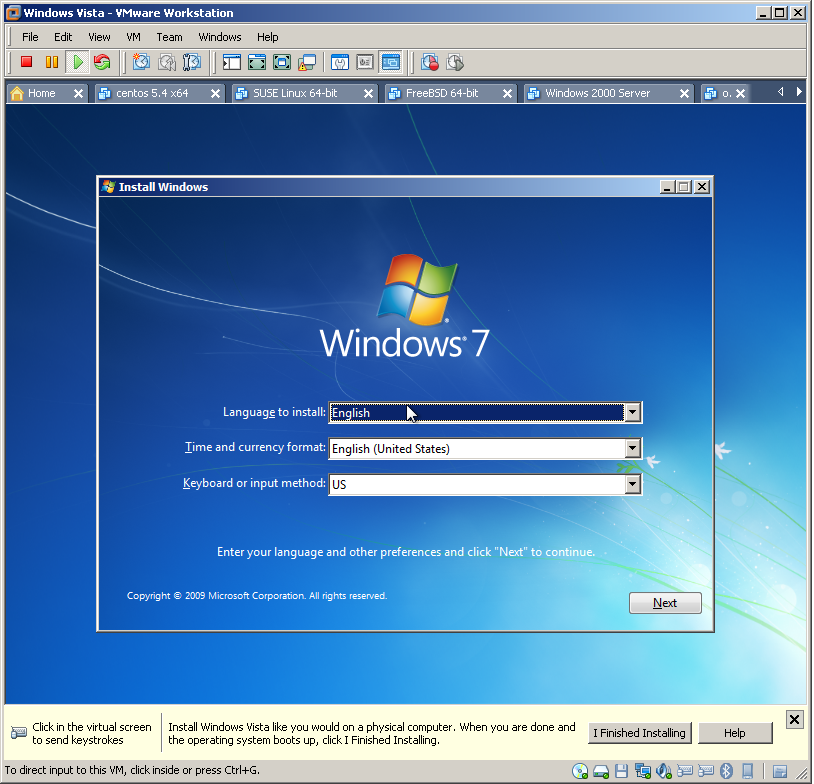
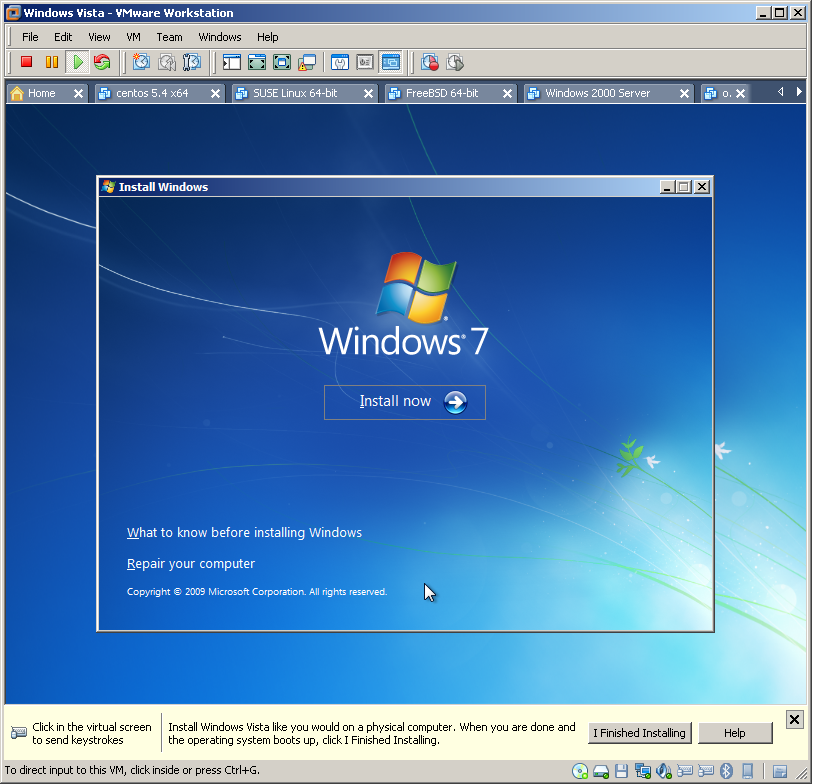
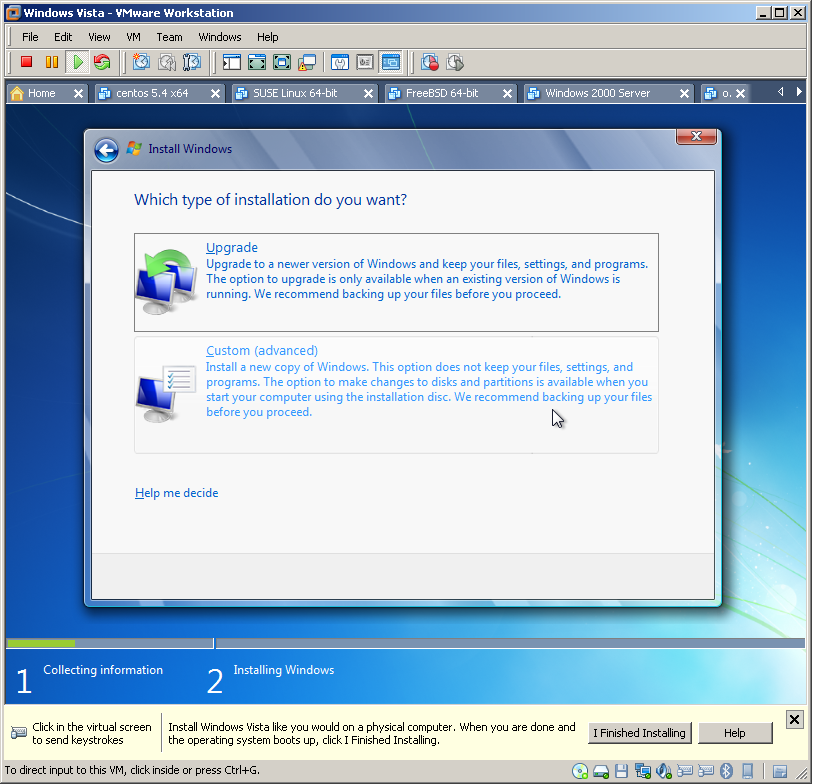
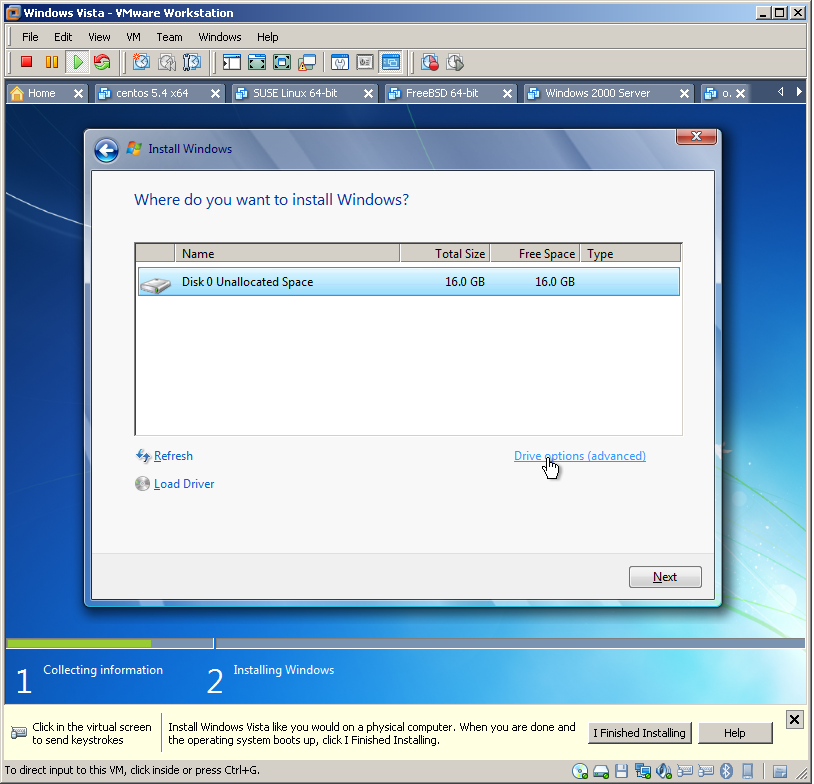
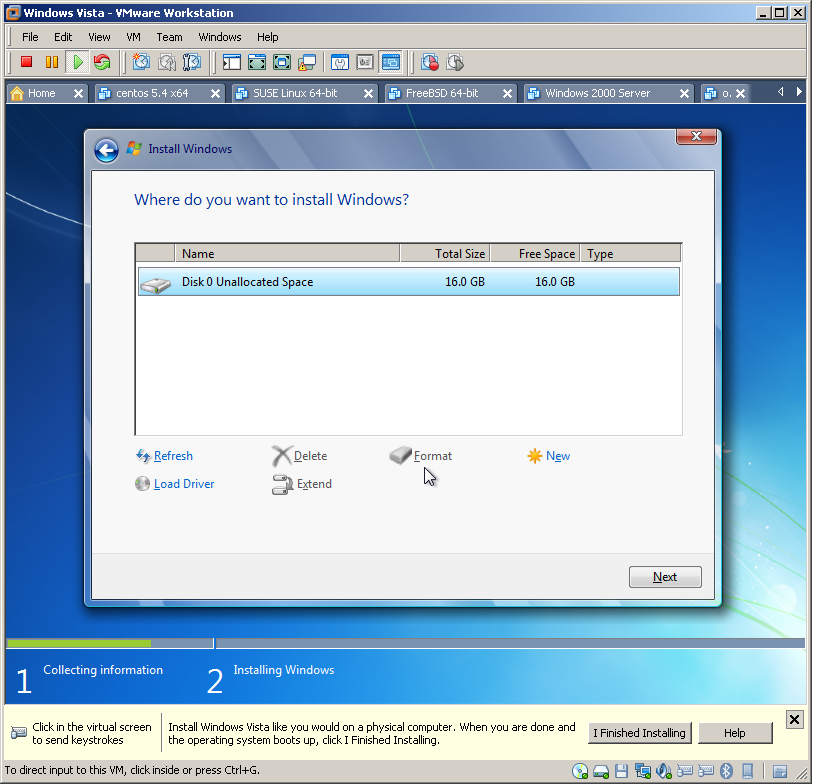
I really had a difficult time thinking up a good title for this thread so forgive me if my chosen title doesn't quite sound right.Anyway, I'll be upgrading my computer soon (either at the end of January or in February) so I started reading up on Windows 7 & its installation procedure & from what I saw in several Youtube videos Windows 7's "boot on DVD" interface is very different from that of XP's. One thing I am not seeing for Windows 7's Boot from DVD interface based on these videos is the option to format your hard drive & create partitions & according to again other videos on Youtube, creating Partitions on Windows 7 is now handled on the OS itself as seen here:http://www.youtube.com/watch?v=MXUB41BBq18I posted this thread to ask a few questions regarding how Installing Windows 7 would be like.My current hard drive has two partitions, Drive C is where my current OS (WinXP) is installed at & Drive D is my backup & media files drive.My plan is to format Drive C.... the question is how, maybe booting into XP's installer DVD? ??? Then use Windows 7's installer to install Windows 7 on the newly formatted C Drive.Will this even work though I wonder & when I run the Windows 7 installer will it recognize that the Hard drive has two partitions & let me choose where to install preferably on that C Drive?Or if I do a custom install of Windows 7 to upgrade from XP, will Windows 7 install on Drive C?I really can't afford to format the entire hard drive & obliterate my Drive D as I don't have an external HD to back that up & re-upload the drive once Windows 7 installs.Any advice you can give regarding this matter will be very much appreciated :)