Okay, if you're having trouble taking or finding screenshots with a NDS emulator, here's a quick look on what to do:
NO$GBA:
I don't believe NO$GBA has anything built in to take screenshots, so we're going to do it the old way. First, when you're on the part of the game you wan to take the screenshot with, pause the game. You should have a button directly to the right of your "backspace" key on your keyboard that looks like this:
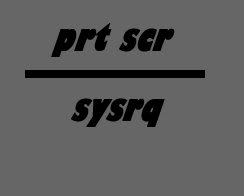
Now, push that key
once. If you use the Windows OS, go to "start" -> "all programs" -> "accessories" -> "paint".
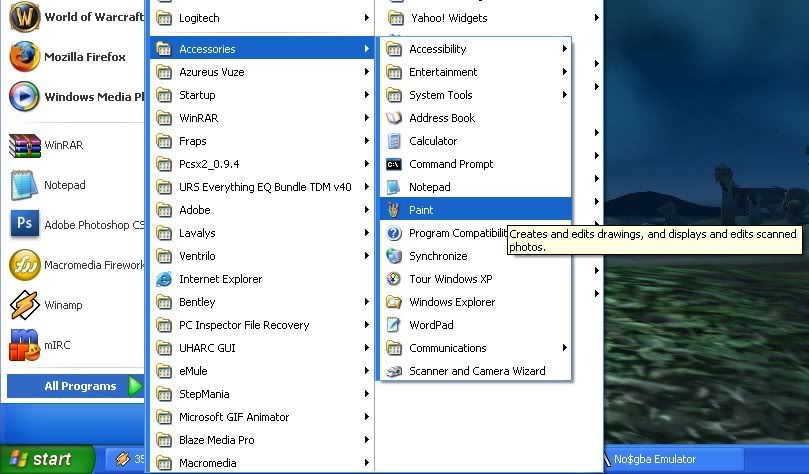
Go to "edit" at the top bar of the program, and click "paste" (or hit ctrl v) it should look somrthing like this:
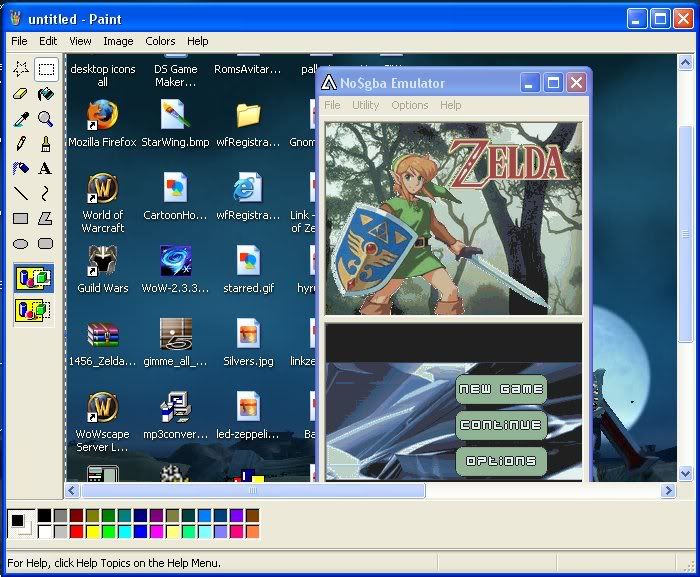
Now select the "select" box and make a box around the emulator in the picture:
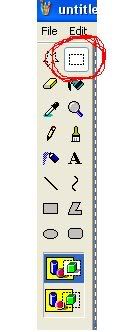
Once thats done, right click your mouse and choose "cut". Then, at the top of the bar, go to "file" -> "new" save the file if you want, but it's not necessary.
Finally, paste the picture on the new paint file. It should look something like this (tip: you can cut out the emulators screen, it looks a hole lot better that way, I just left it in to show what it would look like.):
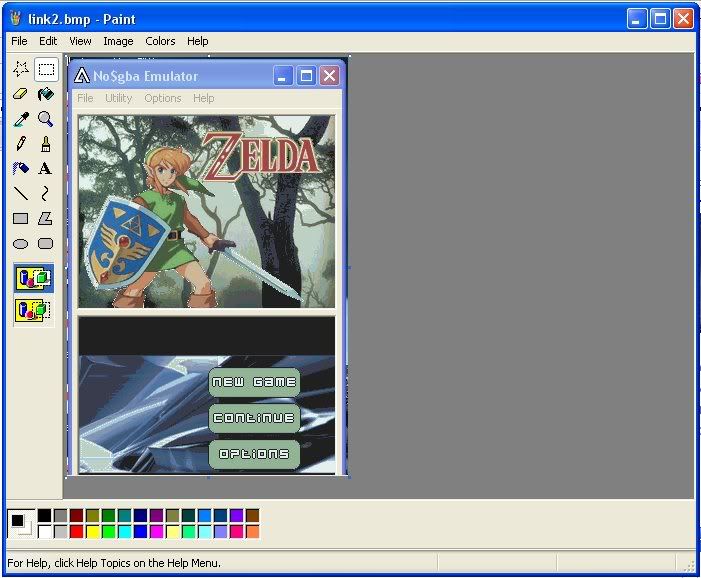
Now you can save your screenshot and upload it on RomUlation.Net!
IdeaS:
Luckly, IdeaS does have a screenshot selection. Again, when you're on the part of the game you wan to take the screenshot with, pause the game. Go to "file" -> "Screenshots":
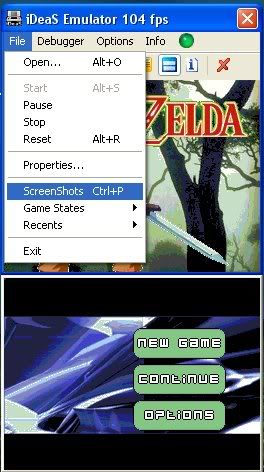
Your screenshot will be located in your IdeaS emulator directory.
IMPORTANT You can only have one screenshot in the folder at a time, so If you take a screenshot you want to save, make a screenshot folder in your emulator directory and put it there.