Back to Technical Help
having an issue with dolphin...
T
it seems when ever i try to click stop or press the X to exit dolphin, or pick another game the following happens...
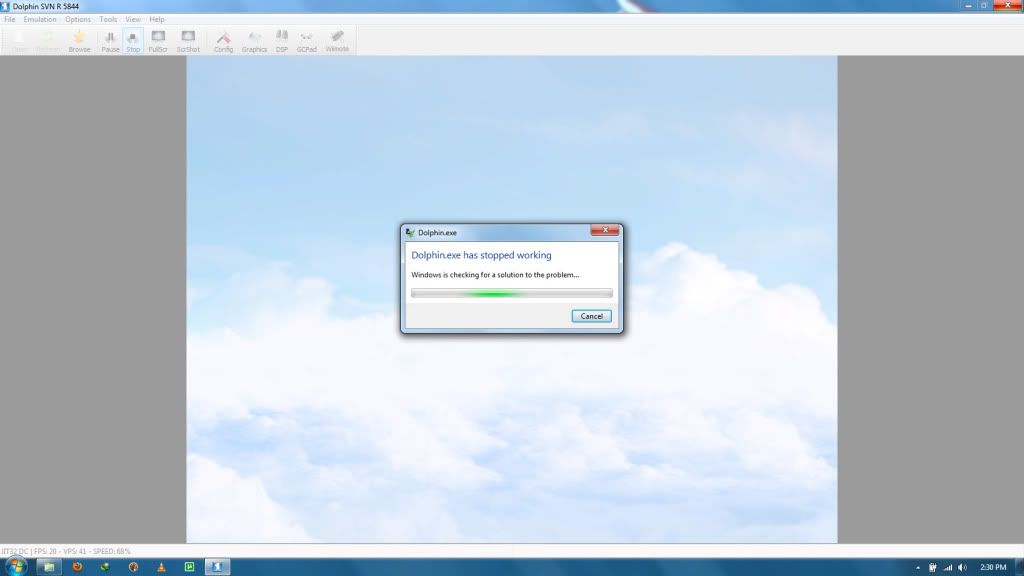
the reason i'm posting about this, is because i believe the issue to be with my computer, it happens on even old revisions, that never did that before i reformatted again...so i guess the question is, do i need to install something to fix this? if so what....
What are your computer specs?Laptop or Desktop?
Processor
Operating System
Ram
Video Card
T
well...i figured specs didn't matter, i had it working perfectly before i formatted but oh well...laptop,
Intel Core 2 Duo T6600 processor,
windows 7 ultimate X64,
RAM....i've installed so much i don't remember....
and...i dunno what my video card is, but i don't think that should have anything to do with it....
T
Replying to #3
Driver issues could cause programs to error like that...
It's important to know what you are using when trying to run emulators.
here's a screenie of the download page for the driver i've always used...
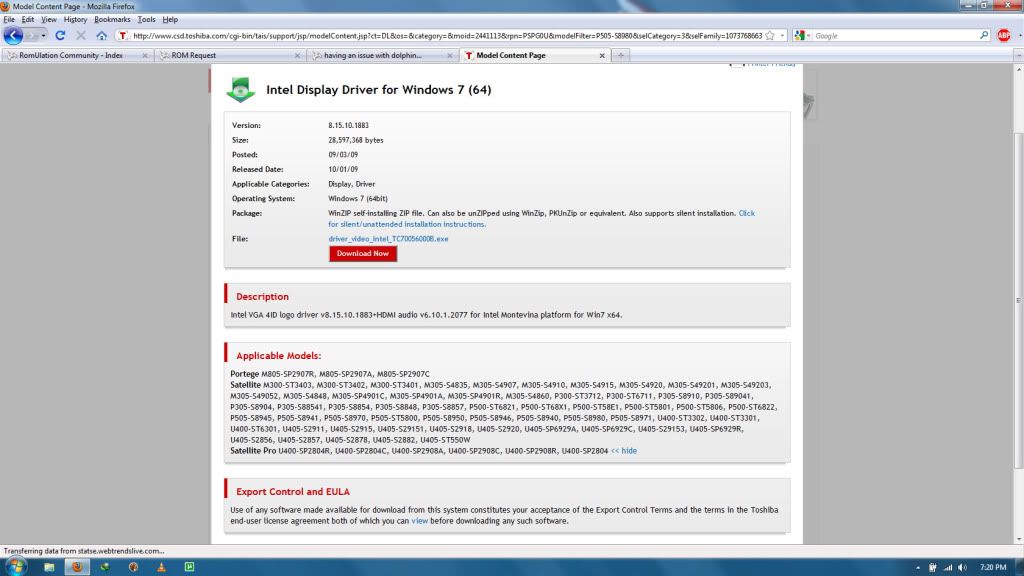
i'm using a Toshiba satellite P505-S8980 Laptop.... i know i got some sort of shit graphics card though....it can't even run star wars : KOTOR II.....
part of it is that dolphin is STILL unstable software. Expect it to crash often.
M
Try updating your graphic driver, and direct x.
This is a common issue when using the Rev build, either the emulator configurations was messed up, especially the graphic plugins or the drivers were outdated.
T
my drivers were updated last year sometime.....but i only get the problem when quitting, it doesn't do anything during gameplay.....just when stopping a ROM, or exiting it....that's why i believe i may be missing something...dunno what though....because i stopped using my geek squad disks, so i got a windows 7 x64 bit and reinstalled everything manually, that's whyi'm missing quite a few things still....i don't even have my sound driver installed (but sound works....)
D
Dont worry about crashing( i think the unload runtime isnt well), just Quit proccess and start it again,its the fastest and easiest method at this point of time
Showing posts 1–9 of 9 · This discussion is archivedBack to top