
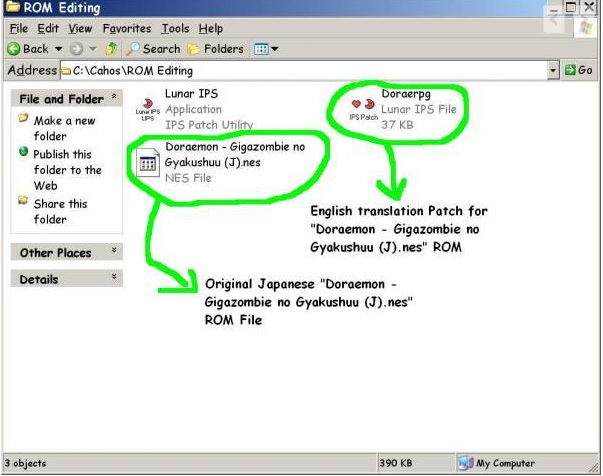
 Now to use a patch, you need a patching tool or application like LunarIPS, which you can get here: http://www.romhacking.net/utils/240/Once you download it onto your PC it would look like this:
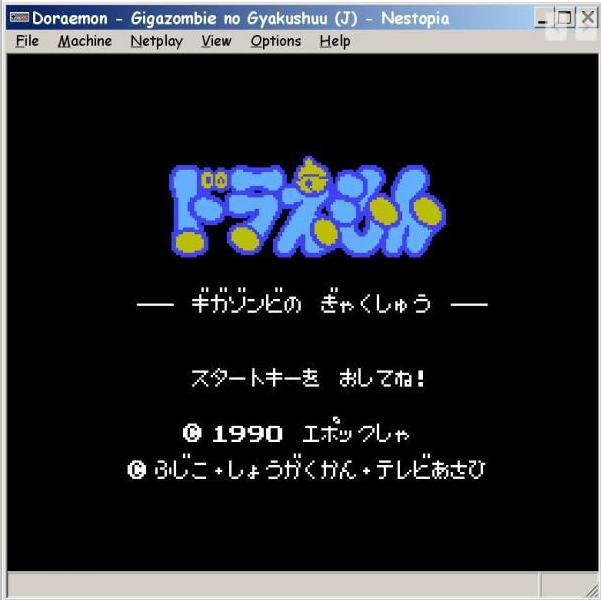
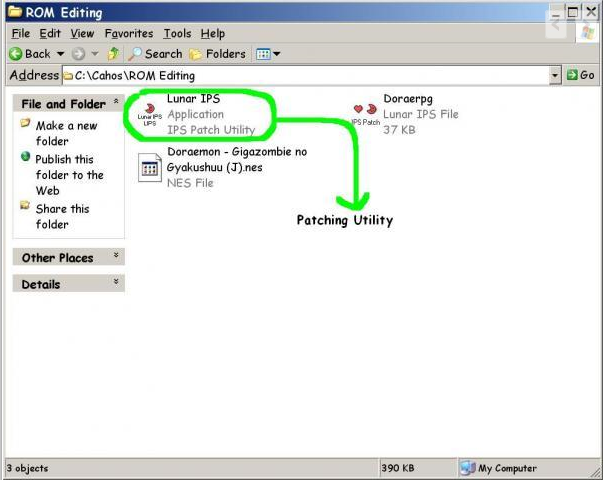 Now here's how you use it:1. For this "demo" I'll use the NES ROM "Doraemon - Gigazombie no Gyakushuu (J).nes" you should probably know how to get ROMs yourself by now
 2. Start off by double clicking on LunarIPS to run it & you should get something like this:
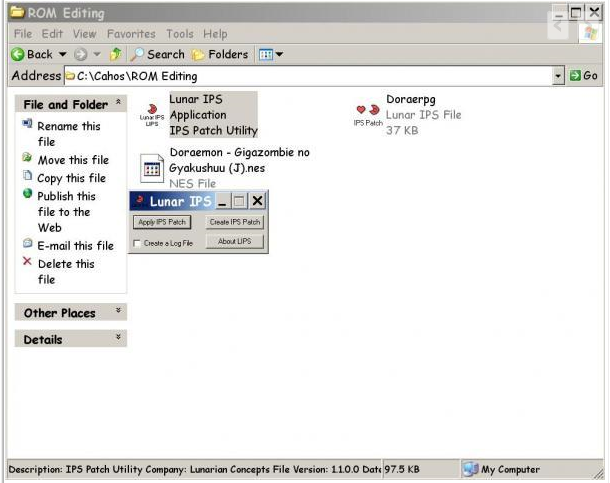 3. now click on apply IPS File, you should get something like this:
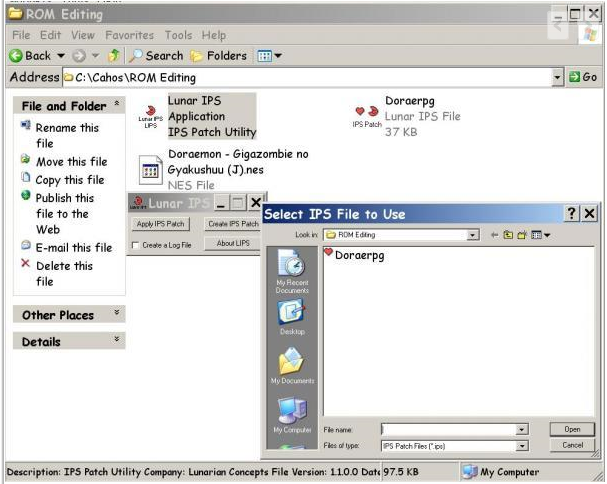 4. select the patch file "Doraerpg" & hit ok, this screen should then appear:
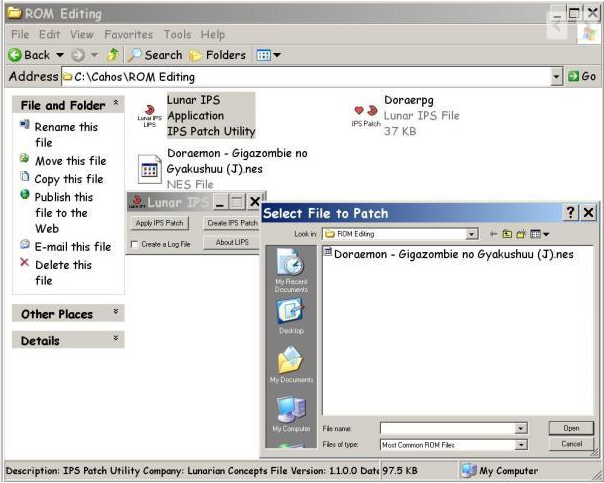 5. Now select the ROM file "Doraemon - Gigazombie no Gyakushuu (J).nes", hit ok & you're done!
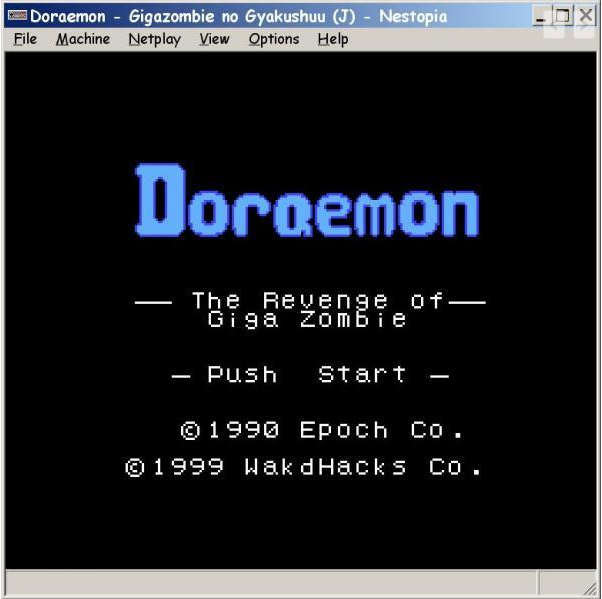
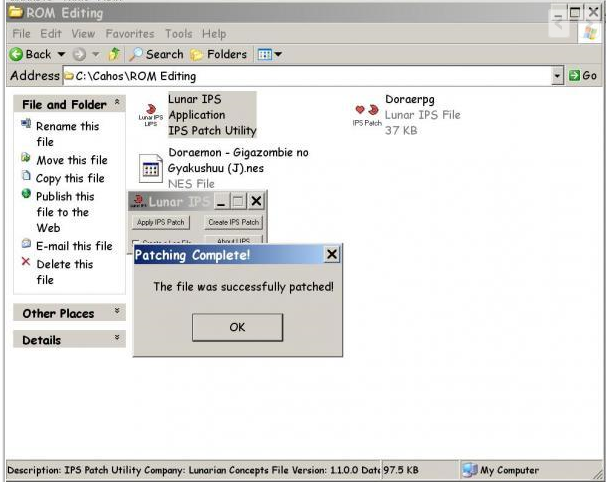 6. Now play the game in all its English glory Woohoo!
 7. To find patches for your games go to this site: http://www.romhacking.net/***UPDATE***
Finally fixed this Yay! ;DSorry for stickying this post, but could you guys move this topic to the tutorials section, I can't use the "report to moderator" option on the thread because it said "reporting your own post to a moderator doesn't make sense". Thanks in advance guys :)August 16, 2011 UPDATE:Great, all the photos have disappeared because of Friendster's move from a Social Networking site to a FlashGaming Portal :PSadly this also affects some of my other threads, name a few tutorials of which I was able to salvage thanks to Photobucket & my game reviews of whom sadly all traces of the necessary screenshots have benn lost :(