Back to Portfolios
♫ | meganova's Portfolio
M
Here's my Signature,
all done in Photoshop CS3,I'm still practicing on how to do other things,especially the background effect and so on.
Any comment or suggestion on how to improve it are encouraged. :)
(It would be nice with a good-easy Tutorial.)
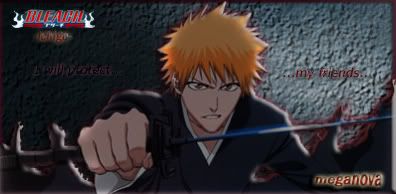
^My first signature that I've made.
Still don't know how to apply some effect though.
and I also post it in the SOTW #17.
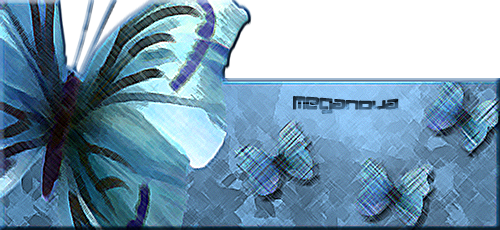
^Simple,isn't it?I post it in SOTW #18 too!! ;D

^Still practicing with other CS3 function...
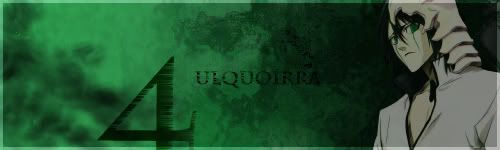
^Got messed up with the background,oh well...
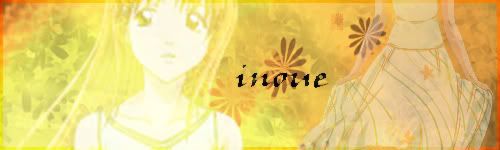
^I'm confused and messed up everything...

^.....not sure if its good or not...
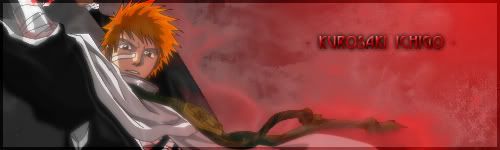
^...changed Ibuki with this one...
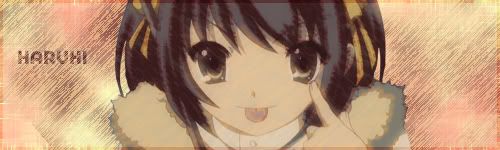
^I accidentally made this one....

^......still playing with brushes...
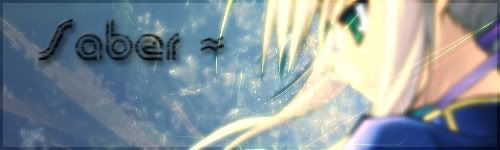
^..guess it too blurry...applied too many Gausian Blur...I think...
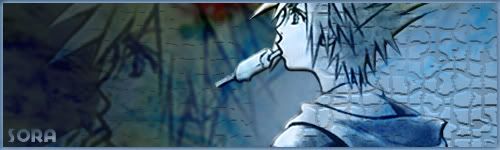
^....*sigh*....is this good?
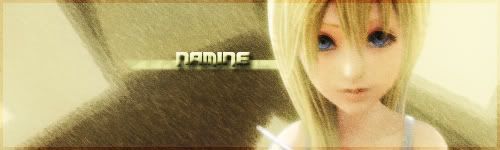
^........ :)
Your graphics are pretty nice, you just need to work on a bit of depth. o: . Maybe try exploring the world of textures? xD;
The stock in some of your sigs are a bit too faded, but duplicating the stock layer and bringing it to the front should do the trick with setting it on softlight/multiply/etc.I can see improvement from your first sig to your last sig, so don't worry. xP.
M
Replying to #2
No Miyu,
I'm worried,
My head get dizzy when I messed up something.
May I Mega?that Inoue one with the name in the middle is very blurry
same thig for the Asu no Yoichi one, it destroys Ibuki's hotness ;)
M
Replying to #4
Just as I said,
I messed it up,and I can't redo it. :(
Always save a separate .psd file from your .jpeg/.png file.
M
PSD format is your best friend.If something doesn't look right midway a sig, you can always take a break and try again later. O: .
Graphics is supposed to be fun, so don't stress over it. xD;
C
Yeah, Nova, just go with the flow 8)
K
as a newbie in the PS like you mega, i suggest you play around with the layeri found that layer is very important for you to not messing up the graphic
C
Replying to #9
Duh, the layers are the graphic.
I don't think you really know what you're talking about :/
no
mega said he messed upand layers are important to not mess up the whole graphic :/
C
Layers are important to make the graphic
What I think he's done is made it alright with the layers, but when he saved it, he saved it as a .jpg or .png or whatever, merging all the layers into one un-splittable layer..
K
ORLY??
just ask Mega then...apologies from me if i'm wrong:D
M
making a layer's first before making a modification on the first layer saves me a lot of trouble.. :)
C
So yeah Mega
I suggest you try to redo those sigs?
F
Keep it up Mega!I like the second one~
R
Wow, more banners. Now I see, this section is for members to post their banners. I think the 2nd one is the best looking of the lot.
M
Updated!!Feel free to comment!! :)
F
Haruhi and the first Saber sig are quite good.I like it.:)
K
i like the Haruhi sighow do you make the line effect? (is it line effect?)
Showing posts 1–20 of 39 · This discussion is archivedBack to top
